
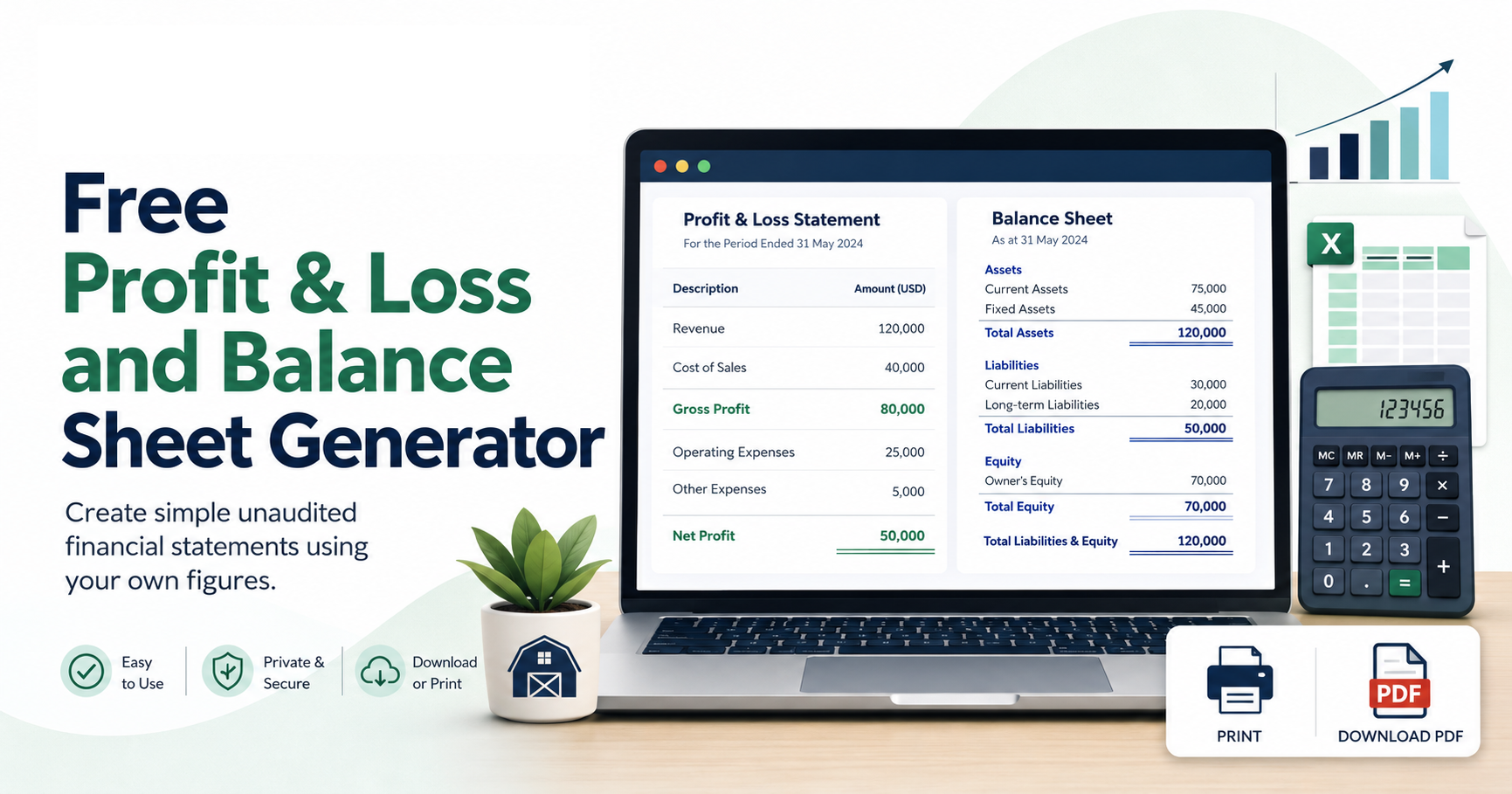
Enter your financial information below to generate an unaudited Profit & Loss Statement and Balance Sheet. The Profit & Loss section is optional.
Statement Information
Profit & Loss — Optional
Leave this section blank if you only want to generate a Balance Sheet.
If revenue or expenses are entered, the resulting profit or loss will automatically appear in the equity section of the Balance Sheet.
Revenue
Expenses
Balance Sheet
Assets
Liabilities
Known Equity
Enter equity balances you already know, such as share capital, shareholder contributions, owner’s equity, member equity or contributed surplus.
Retained earnings will be calculated automatically as the amount required to balance the Balance Sheet.
Use your browser’s print window to print the statements or choose “Save as PDF” to save a digital copy.
Profit & Loss Statement
Balance Sheet
The statements are unaudited and have not been audited, reviewed, compiled or otherwise verified by Bookkeeping Barn or an independent public accountant.
The information contained in these statements is based entirely on information entered by the user. Bookkeeping Barn does not verify the completeness, accuracy, classification or accounting treatment of the information entered and makes no representation or warranty regarding the accuracy or reliability of the resulting financial statements.
This tool is provided for general informational and educational purposes only and is not a substitute for professional bookkeeping, accounting, tax, legal, audit or financial advice.
Users remain solely responsible for reviewing their financial information and determining whether the generated statements are appropriate for their intended purpose.
Bookkeeping Barn assumes no responsibility or liability for errors, omissions, decisions, losses or consequences arising from the use of this tool or the financial statements it generates.